Thinkpad T430s USB-C Charging Mod
A write up on my Thinkpad T430s modification. (originally posted to Reddit)
I recently got my hands on a T430s for free (from my chiropractor, funny story). Anyways, I decided that since the price was right I would risk tackling converting it to USB-C charging as my first mod on it.
The Tear-down
I followed this IFIXIT guide (super helpful, especially for reassembly later). During the tear-down while it was apart, I cleaned all the dust and gooch off the fan, and other surfaces with an old toothbrush and some rubbing alcohol. I also repasted it, as I’m certain that hadn’t been done since it was manufactured. Overall it was pretty easy getting the whole thing apart (ThinkPads are the best).
The Mod
This is the hard part. I’ve seen some people do this mod to the regular T430, but have not seen anyone do it with the T430s. This is because unlike the T430, whose charging port is attached by cable to the mainboard, and is a relatively simple splicing of wires to mod, the s model has a small daughterboard that houses the barrel charging port:
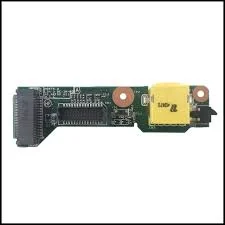 T430s Charging Controller Daughterboard
This makes installing a USB-C PD chip a bit more challenging than splicing a couple cables.
What I ended up doing was printing this part on my buddy’s 3D printer, which didn’t fit right away, as it’s intended for the T430, not the T430s. I had to use a file to take material off the back until it would fit between the daughterboard and the chasis. I then de-soldered the original barrel connector from the board.
Now some stuff about the barrel plug. The barrel plug for the T430s has its negative connection on the outside of the barrel, and positive on the inside, with a signal pin in the middle. On the daughterboard, the connector passed the negative to the two outermost solder points, the signal pin to the center point, and positive to the other two. Luckily, as far as I can tell, the positive and negative points are internally bridged with the other positive and negative point respectively, and the signal point is pretty much optional (DO NOT QUOTE ME ON THIS).
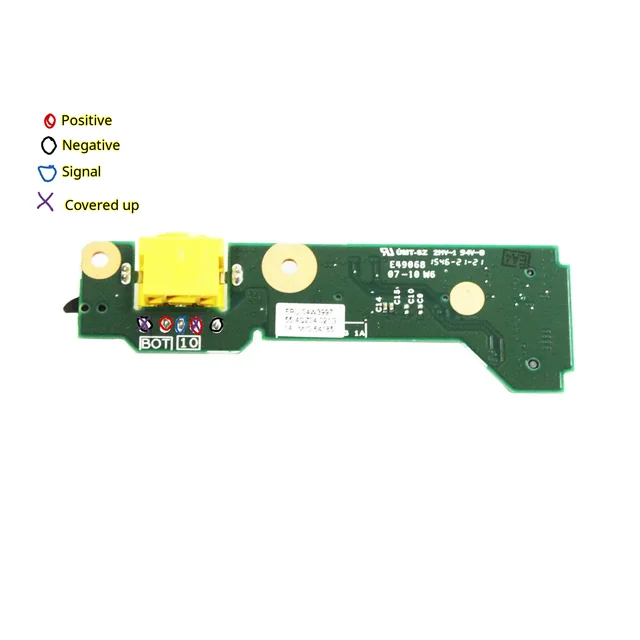 T430s USB-C charging mod diagram This means that what I could do was simply cover up one of each of the positive and negative points (and the signal point), then solder the USB-C PD board directly to the daughterboard. If anyone knows more about this than me please educate everyone why this is as bad of an idea as I know it to be. Here is a little diagram, it doesn’t matter which of the positive and negative you solder to, I just happened to pick those two, and the port fit better if I soldered to the back of the daughterboard so I did that.
Anyways, with the USB-C PD board secure within it’s 3D printed enclosure and soldered to a positive and negative point on the charging daughterboard, I started reassembling to a point where I could try to boot the laptop and test if it would charge.
Booting it back up and testing
Once I had the laptop (partially) reassembled, I tried booting it only to get a black screen and a heart dropping beeping code. I kinda panicked, thinking I blew it (oh no, I broke my free thinkpad lol), but when I looked up the code it said it was related to memory. I swapped the ram sticks’ places and it booted up just fine! Once I was booted into my desktop, I plugged it in, and it was working! In fact, I’m sitting here typing this as it’s charging :)
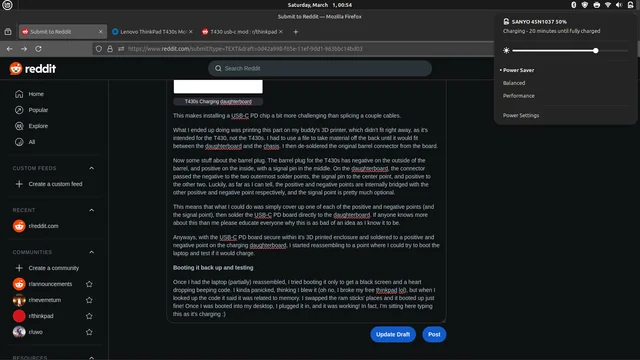 It’s woooooorkinnnnnng
The Final Results
Overall I am very satisfied with this mod. It was a pain in the butt to solder the two boards directly together, especially with my my 20$ Canadian Tire soldering iron and my bent nose pliers with an elastic band instead of soldering clips, but It all worked out in the end somehow. I don’t think I can recommend doing this (especially in the janky way like I did) unless you know what you are doing and you are willing to risk the ruining the daughterboard and paying 25$CAD for a replacement, or worse, ruining the laptop. I had the privileged of not having any money invested in this laptop, so that is something to consider. Here are the pics of the final product:
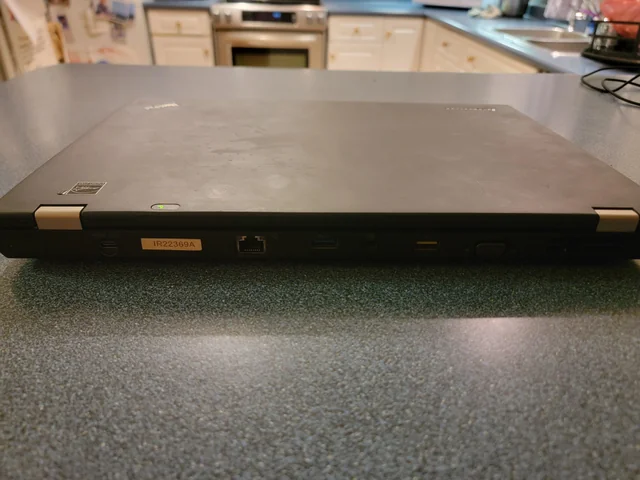
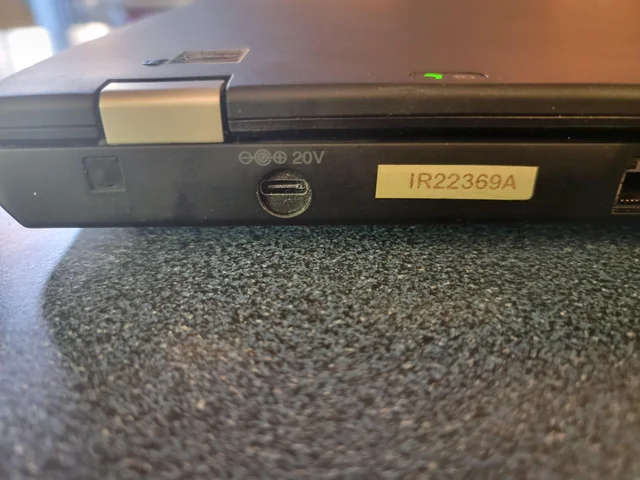
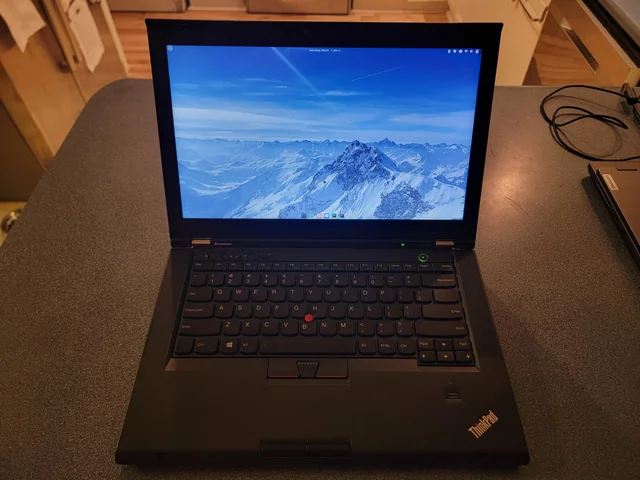 The final results